Overview Dashboard
Selected: Loading...
Loading All Employees Overview Summary...
Total Work Duration
00:00
0 Active Employees
Productive Time
00:00
Categorized as Productive
Non-Productive Time
00:00
Flagged Applications & Sites
Calculated Idle Time
00:00
0% Idle Ratio
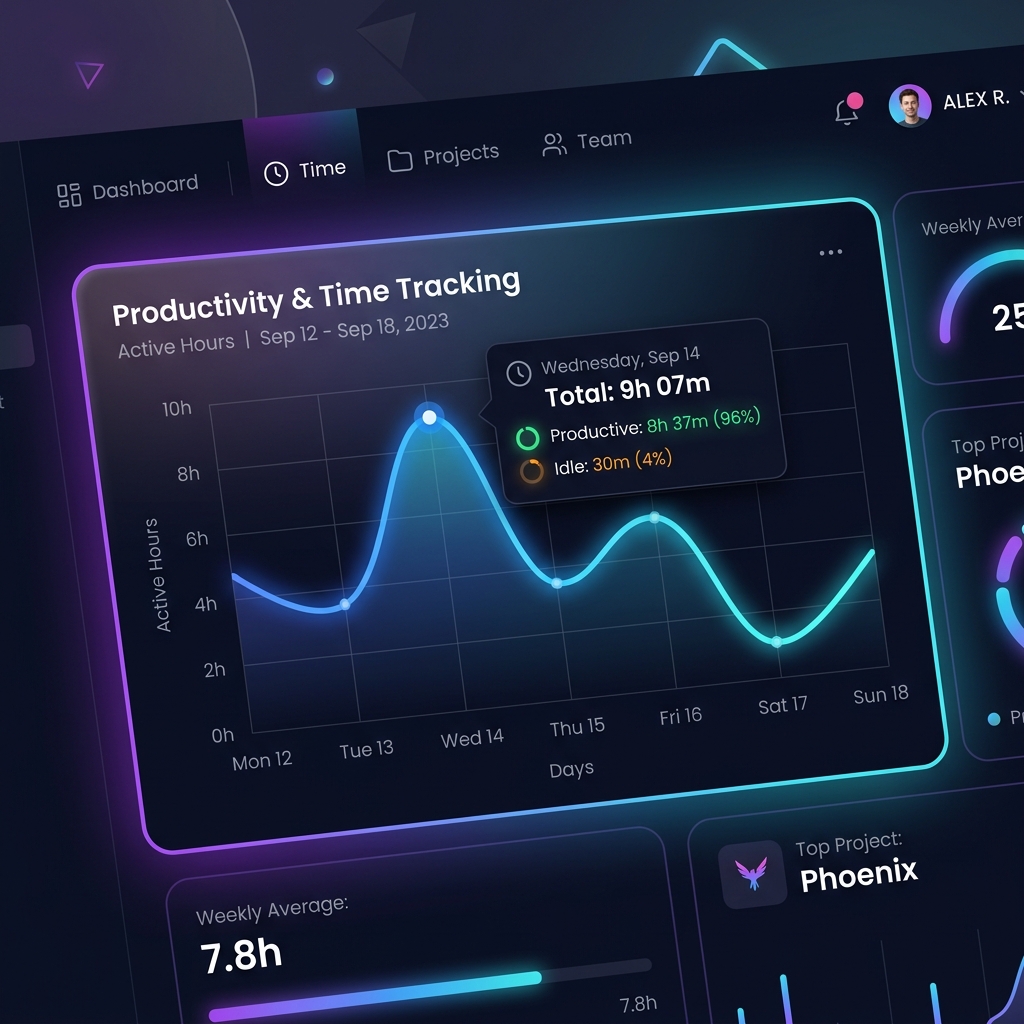
π Employee Productivity Timeline & Visual Analytics
Productive Work
Meetings / Calls
Personal Break / Non-Productive
System Idle / Away from PC
Untracked / Off-App
Loading employee productivity timelines and analytics...
Detailed Process & Web Activity Logs
| Employee | Machine / IP | Process Name | Window Title | Domain / URL | Start Time | Duration | Category |
|---|---|---|---|---|---|---|---|
| Loading activity logs... | |||||||
Captured Desktop Screenshots
Loading screen captures...
Employee Shift Login & Logout Punches
| Punch ID | Employee Code | Punch Type | Punch Timestamp | Machine Name | IP Address |
|---|---|---|---|---|---|
| Loading punch records... | |||||
Employee Pause & Break Log History
| Pause ID | Employee Code | Standard Reason | Optional Remarks | Start Time | End Time | Pause Duration | Machine / IP |
|---|---|---|---|---|---|---|---|
| Loading pause logs... | |||||||
Application Productivity Rules
| Process Name | Display Name | Classification Category |
|---|
URL Wildcard Rules
| URL Pattern | Classification Category |
|---|
βοΈ System, Screenshot & Privacy Configuration
Time without mouse/keyboard activity before marking the employee as Idle.
πΈ Screenshot Capture Settings
When enabled, desktop apps capture screen snapshots at random intervals during active work shifts.
Target interval in minutes between background screen captures (e.g. 5, 10, 15 mins).
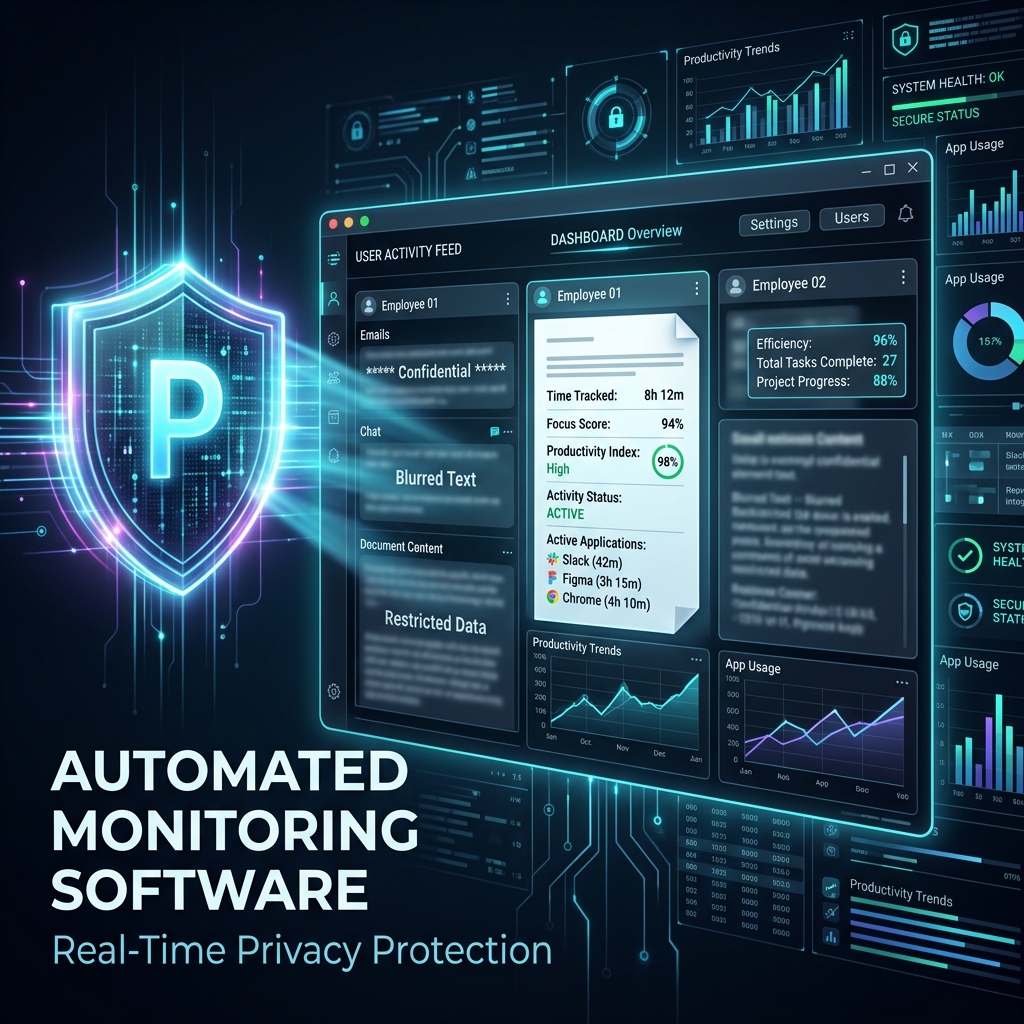
Blurs text and sensitive visual elements on captured screenshots for privacy compliance.
ποΈ Screenshot Retention & Auto-Cleanup
For Web Browsers (Chrome, Edge, etc.), ONLY websites in this list are treated as Productive Work. ALL OTHER websites are classified as Non-Productive.
Activities matching these domains/keywords will automatically be classified as Non-Productive.